|
Configure SSL
2010/05/30 |
| Configure SSL to use encrypted connection |
|
| [1] | Install mod_ssl |
|
[root@www ~]# yum -y install mod_ssl
|
| [2] | Create a SSL certificate. See here. |
| [3] | Configuration for SSL |
|
[root@www ~]# vi /etc/httpd/conf.d/ssl.conf # line 78: uncomment DocumentRoot "/var/www/html" # line 79: uncomment and change ServerName www.srv.world:443 # line 106: change SSLCertificateFile /etc/pki/tls/certs/server.crt # line 113: change SSLCertificateKeyFile /etc/pki/tls/certs/server.key [root@www ~]# /etc/rc.d/init.d/httpd restart Stopping httpd: [ OK ] Starting httpd: [ OK ] |
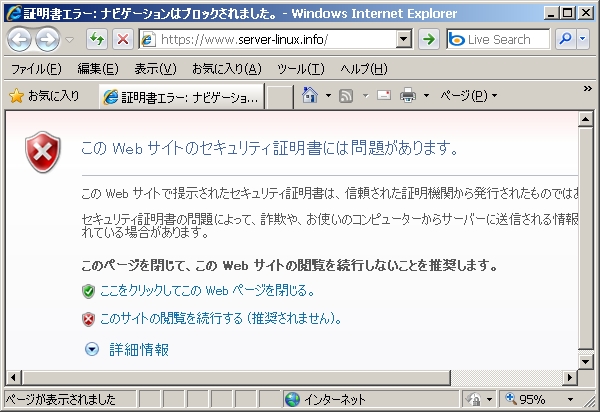
| Access to the test page with https. Following window is shown because Certification File is made by yourdelf, it's no ploblem, Click Ok to proceed. | |
|
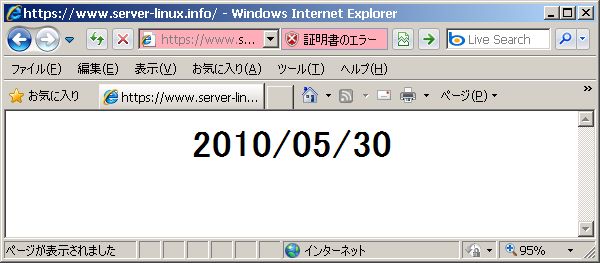
| Accessed normally | |
|
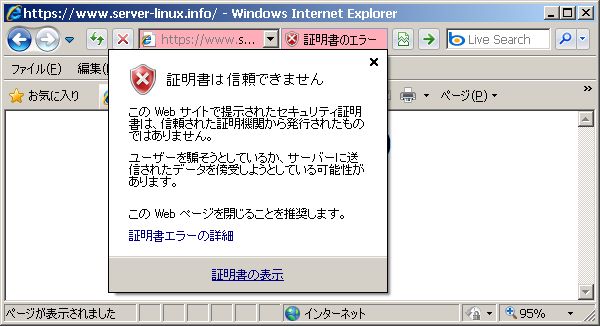
| Install your server's certificate on your PC, then it's possible to access with no error. | |
|
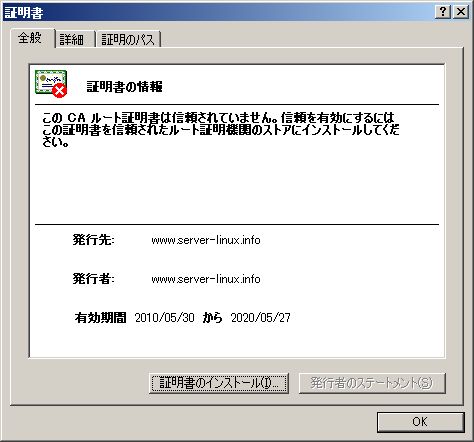
| Install certificate. | |
|